Database to Iceberg Without Kafka: 7 Options
29 min read
Key takeaways
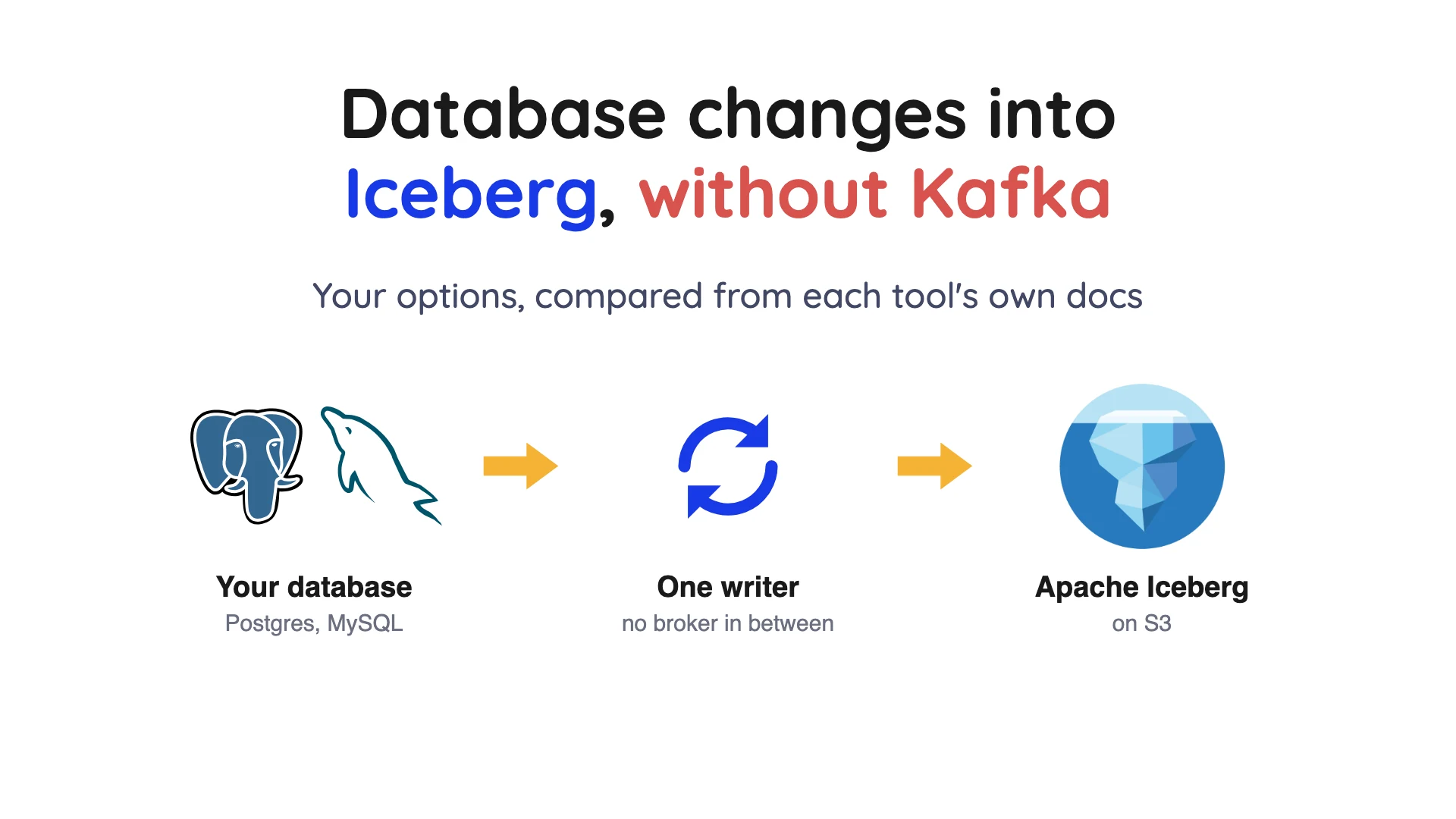
Short answer: yes, database to Iceberg without Kafka works. It relies on change data capture (CDC), which reads a database's own change log, and seven tools document a path for it: Debezium Server, Flink CDC, RisingWave, Estuary, Fivetran, dlt and OLake Go.
Amazon Data Firehose is not on that list, because AWS says its database preview ended on September 30, 2025. Before you pick a tool, ask whether you need a streaming platform at all.
- Kafka isn't required to write Iceberg. Debezium's own maintainers wrote on May 22, 2026 that Kafka Connect is "one deployment model, not a requirement."
- "No Kafka" isn't the same as "no moving parts". Flink CDC needs a Flink cluster, RisingWave is a streaming system in its own right, and Estuary's Iceberg connector needs a Spark job on Amazon EMR Serverless.
- Table upkeep (compaction, which merges many small files into fewer big ones) is usually your job. Check who does it before you pick, not after.
Do you need a streaming platform at all?
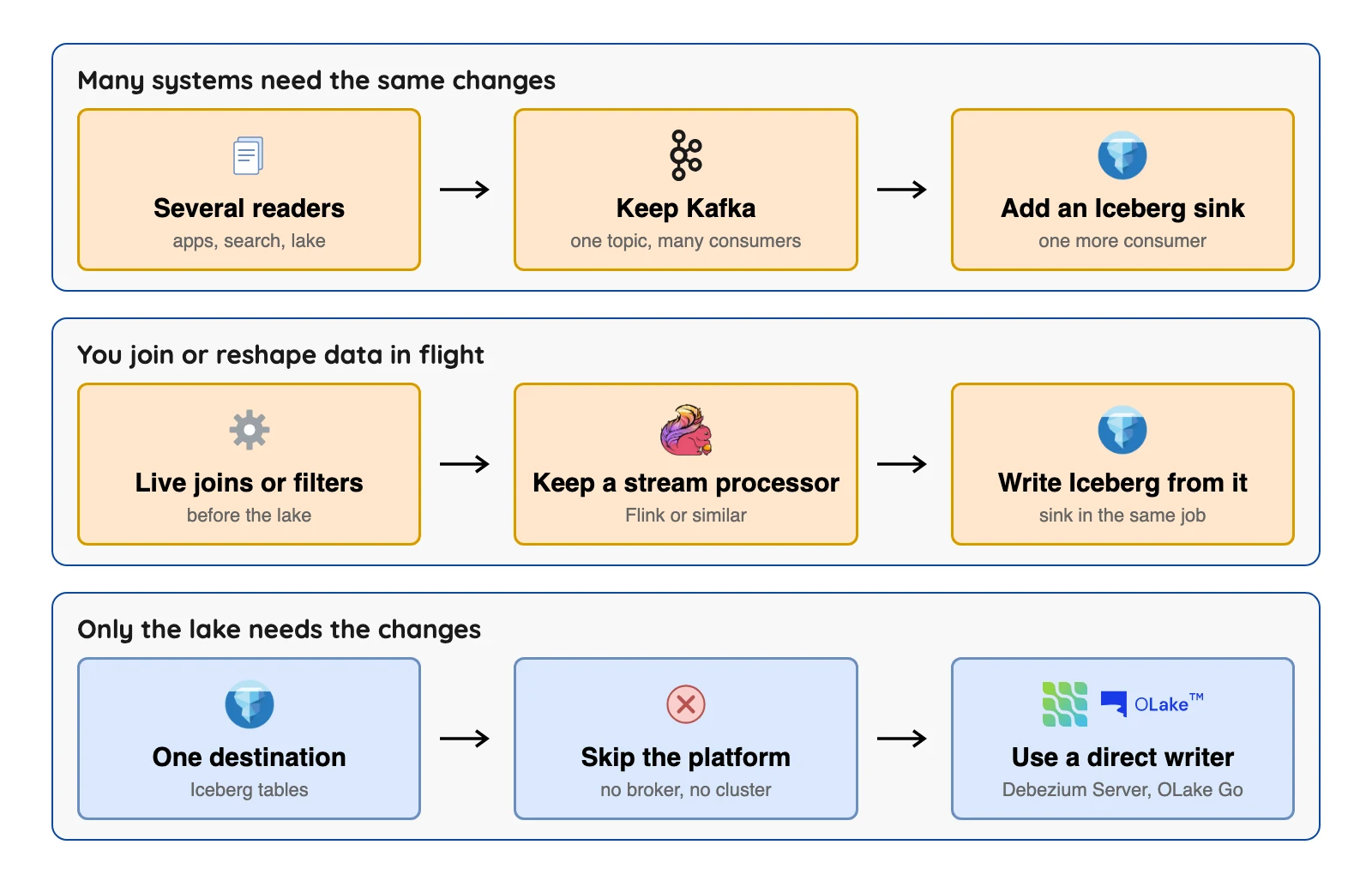
Apache Kafka calls itself an open-source distributed event streaming platform: changes sit in named topics on machines called brokers until something reads them. Debezium's maintainers give three reasons teams keep it, in their May 2026 post. Kafka Connect has a large library of sink connectors, it handles worker failures with built-in high availability, and it spreads work across a cluster.
The same post gives a test: ask "do I need the capabilities that Kafka provides?" If you don't, you're paying to run brokers for a pipeline with one reader. Also ask whether you need to hold changes while the lake is down, or replay them later, and check how each tool's docs handle restarts.
How we picked
An option made this list if its own documents say it can read database changes and write Apache Iceberg tables, it can run without Kafka today, and its public pages say enough for us to check catalogs, deletes and table upkeep. We added one baseline, Debezium on Kafka Connect, so you can see what you'd be skipping.
We read each vendor's documentation in September and October 2026 and link every claim. We did not run the other tools, so for them this is a reading of documents, not a lab test.
Where a page says nothing, the table says "not stated". We left out speed claims, because no vendor publishes a comparable test. Where an entry has no "What users say" line, the comments we found did not describe running the tool.
Two tools were left out on those rules. We explain why below.
Database to Iceberg without Kafka: options at a glance
The first row is the baseline with Kafka, and the next seven don't need it. The Catalogs column lists only what each page names. REST means a catalog with a standard web interface.
 OLake Go
Prices aren't in the table, and that's on purpose. Several of these are free software with a server and staff bill, and the hosted ones price in different units, so one column would mislead you.
Updates, deletes and delivery: what each tool's docs say
This is where the options differ most. A primary key is the column that identifies each row. An upsert updates the row if its key already exists and inserts it if not, while an append adds every change as a new row, so the table holds both versions of a changed row.
Iceberg can handle a delete in two ways. Copy-on-write rewrites the affected data files, and merge-on-read writes the delete as a small separate file that is applied when someone reads the table.
Equality deletes match rows by key values, and positional deletes point at a file and a row position. Delivery guarantee means whether a change can land twice (at-least-once) or exactly once.
"Not described" and "not stated" mean we couldn't find the answer on the pages we read. If your tool lands there, test one update and one delete yourself.
Baseline: Debezium on Kafka Connect with the Iceberg sink
At a glance: Apache 2.0 software you run, plus a Kafka cluster. It's the route most tutorials teach.
Debezium reads the database log and puts each change into a Kafka topic, and the Apache Iceberg docs describe a Kafka Connect sink that reads those topics and writes Iceberg tables. Debezium's own sink list for Kafka Connect shows only JDBC (Java Database Connectivity) and MongoDB, so the Iceberg sink comes from the Iceberg project, not from Debezium.
What it writes: Iceberg tables through catalogs such as REST, Glue, Hive and Nessie. The docs list exactly-once delivery, which relies on Kafka 2.5 or later. Automatic table creation and schema evolution are listed too, but both default to off.
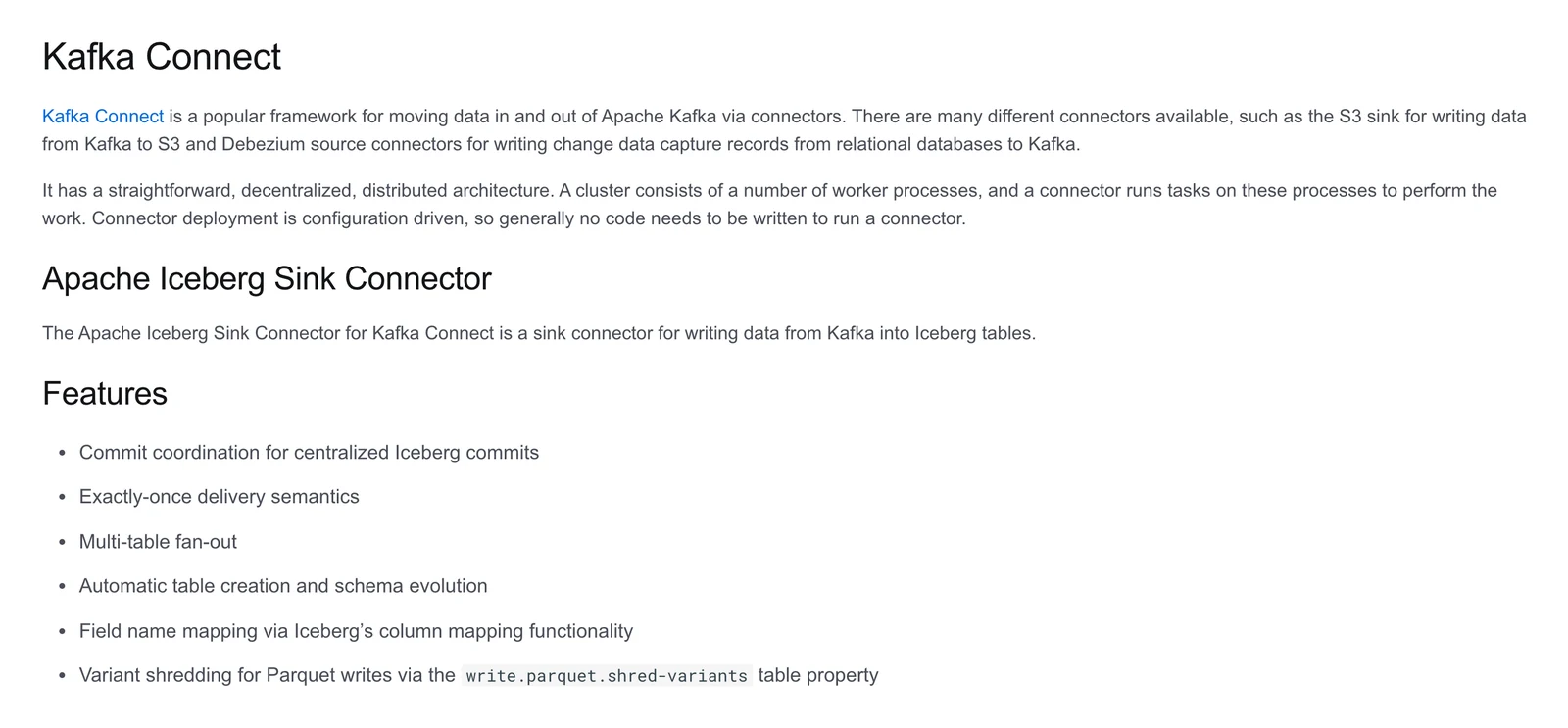
Apache Iceberg documentation, Kafka Connect sink page, October 2026.
What's good
- Debezium's post above says Kafka Connect's distributed mode spreads work across workers and handles worker failures. We did not test that. If many systems already read the same topics, the Iceberg sink is just one more reader.
Where it falls short
- You run Kafka brokers and Kafka Connect workers, plus the Debezium and Iceberg connectors that run inside them. The sink page's install steps also have you build the connector zip from the Iceberg source code.
- The page we read doesn't explain how updates and deletes are applied, even though it mentions a "CDC feature". The Debezium transform that feeds it is marked experimental.
1. Debezium Server with the community Iceberg sink: the same Debezium connectors with no Kafka
Debezium home page, October 2026.
At a glance: Apache 2.0, you run it. Debezium Server is, in its docs' words, a ready-to-use application that streams change events "without requiring Apache Kafka."
The Debezium Server docs list an Apache Iceberg sink. Here's the catch: it is "a community-maintained, open-source project" in a separate repository, memiiso/debezium-server-iceberg, not part of Debezium itself.
What it writes: Parquet files by default, with Avro and ORC (two other file formats) selectable. It has upsert and append modes, but upsert is off by default. Even in upsert mode, deleted rows are kept and marked __deleted=true unless you change a setting.
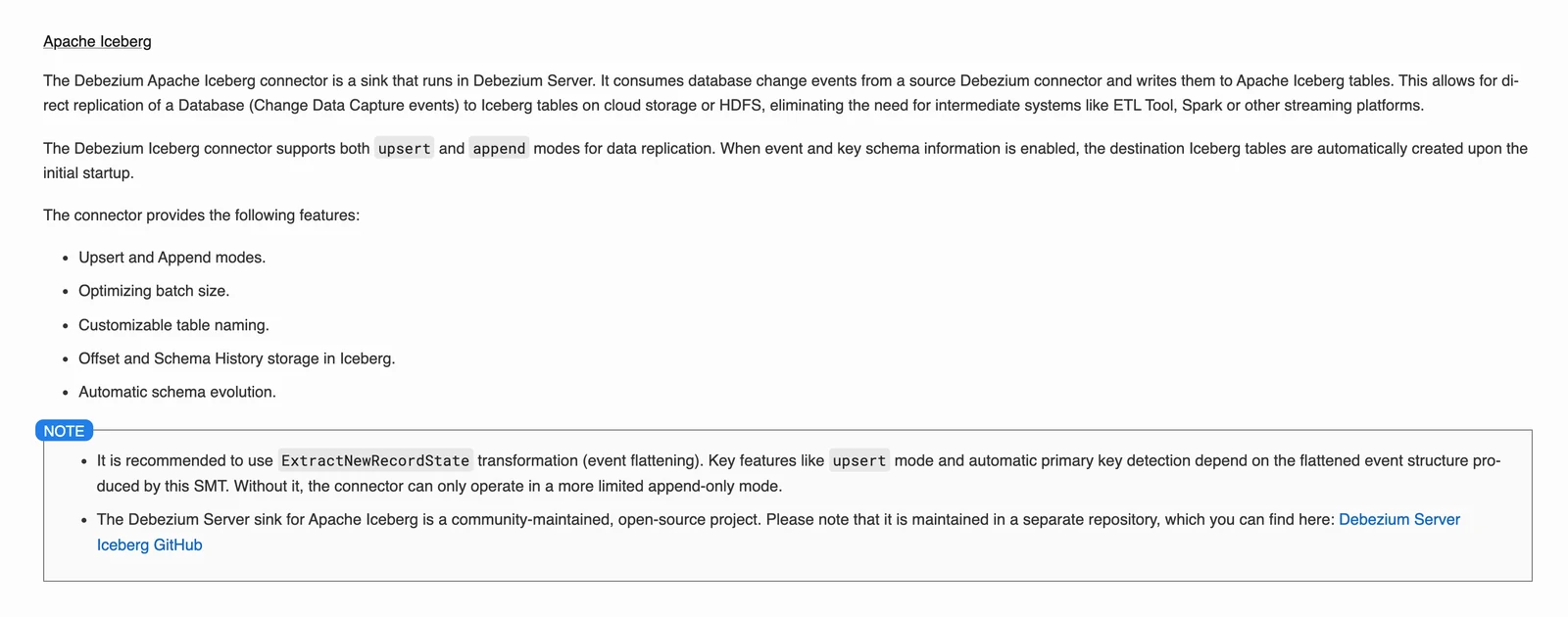
Debezium Server documentation, Apache Iceberg section, October 2026.
What's good
- You keep Debezium's connector list: its index shows MongoDB, MariaDB, MySQL, PostgreSQL, SQL Server, Oracle, Db2 and Cassandra as main connectors.
- The sink's README claims it replicates "from any database to Iceberg tables" without Spark, Kafka or a streaming platform, which we did not test. The latest release is 1.2.0.Final from October 4, 2026.
Where it falls short
- The sink is community maintained, and the docs name no catalog types. Upsert depends on a Debezium transformation called event flattening, so tables with no primary key stay append-only.
- Each Debezium Server instance runs exactly one connector. A July 2026 Debezium post about its JDBC sink says Kafka Connect's multi-task setting is "not yet available in DS."
- The sink's FAQ says to run periodic maintenance on delete files, so that chore is yours. Full schema evolution isn't supported, though adding fields and promoting types is, and a column dropped at the source stays in the table with nulls.
2. Flink CDC: when you already run Apache Flink
At a glance: Apache 2.0, you run it, and it needs a Flink cluster. Flink CDC calls itself "a distributed data integration tool for real-time data and batch data, built on top of Apache Flink". Its docs also say some sources use Debezium as the engine inside.
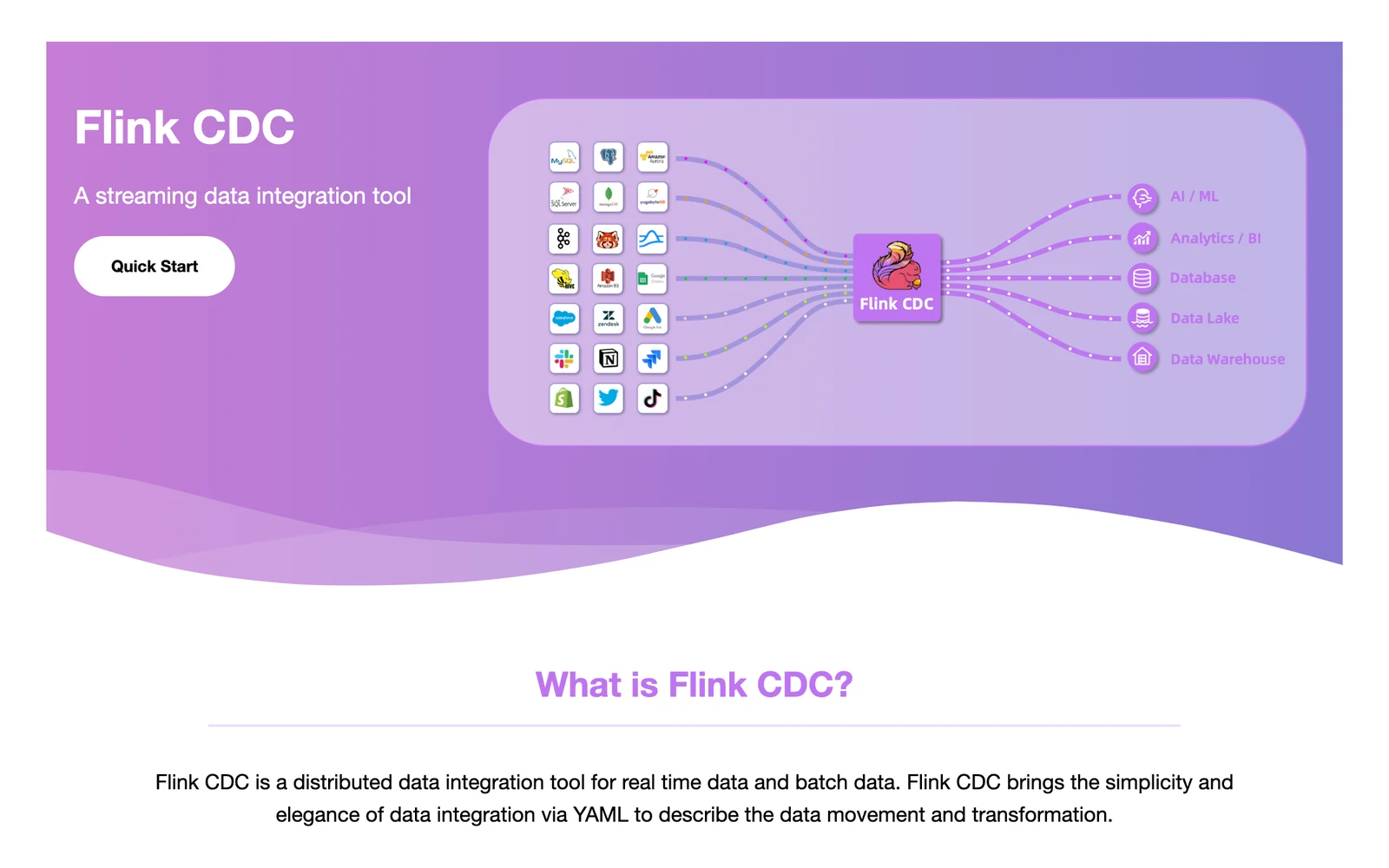
Apache Flink CDC documentation, October 2026.
What it writes: The Iceberg pipeline connector creates tables and syncs added columns. The catalog type can be Hadoop, Hive or Glue, or a custom class. It first appears in the Flink CDC 3.4 line.
What's good
- Its docs describe reshaping data in the same job. Iceberg's own Flink docs describe upserts on version 2 tables with a primary key.
- Its docs list Standalone, YARN or Kubernetes deployment, with no Kafka listed as a requirement.
Where it falls short
- The pipeline page says "The source table must have a primary key." It also says exactly-once isn't supported, and offers at-least-once writes made safe by the primary key.
- The Postgres pipeline source doesn't sync table structure changes. MongoDB and SQL Server CDC are Flink SQL sources, not YAML pipeline sources, so you write more code for them.
- Someone has to run Flink, which is cluster work like Kafka.
3. RisingWave: for a SQL-first team that wants processing and Iceberg together
At a glance: Apache 2.0 core, self-hosted or hosted, with premium features behind a licence. RisingWave describes itself as an "event streaming platform", so you're skipping Kafka, but not streaming.
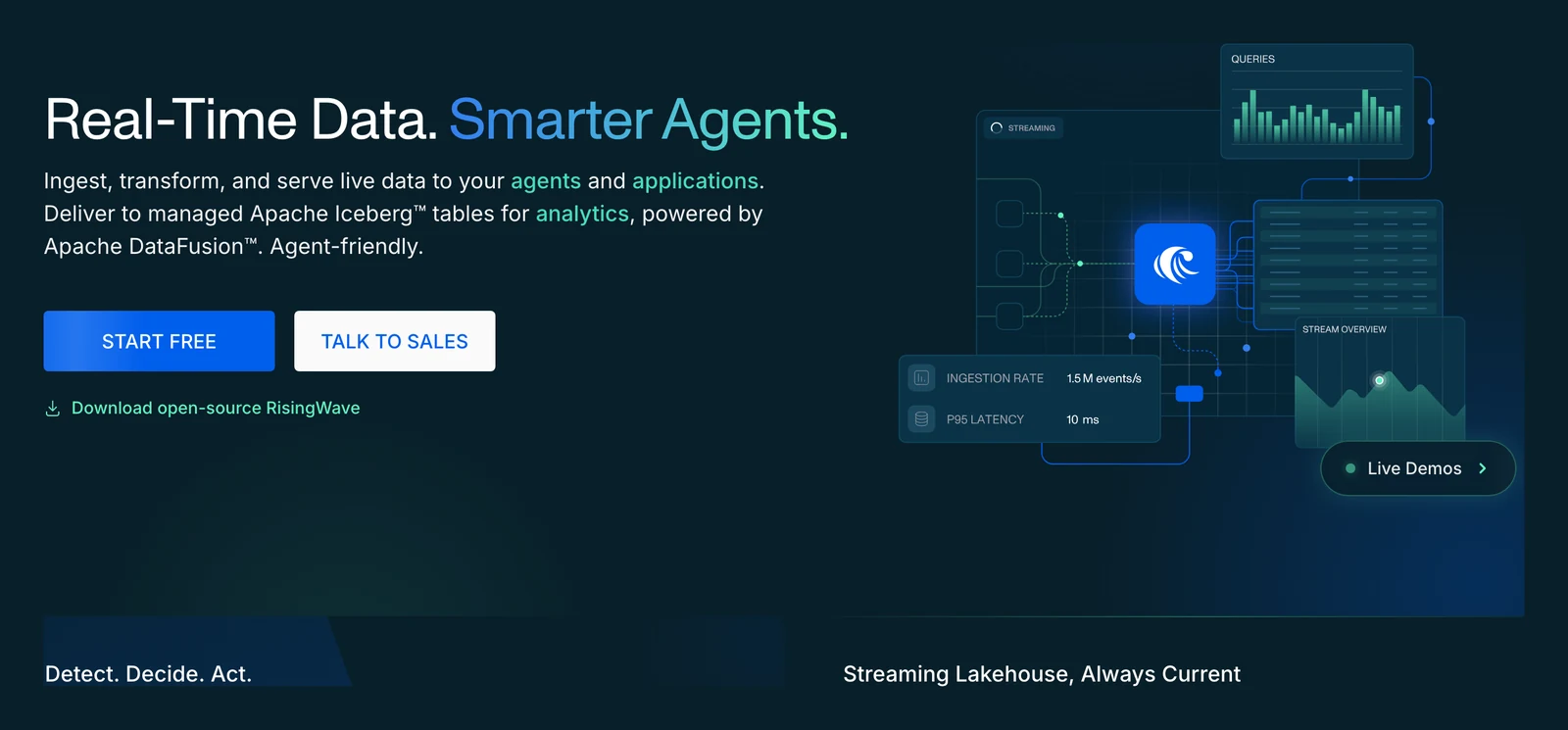
RisingWave home page, October 2026.
What it writes: The Iceberg docs show append-only and upsert sinks, merge-on-read writes by default, and an is_exactly_once setting that defaults to true. Exactly-once needs sink decoupling, a RisingWave setting that is on by default, and turning it off disables exactly-once. Catalogs include Glue, S3 Tables, JDBC, REST, Lakekeeper, Hive, Snowflake and Unity.
What's good
- Its ingestion overview lists CDC for PostgreSQL, MySQL and SQL Server, labels MongoDB "CDC via Kafka", and offers SQL for shaping data.
- Its docs say Iceberg maintenance, including compaction and snapshot cleanup, is automatic. We did not test how that behaves on your table sizes, so ask what it costs to run.
Where it falls short
- Some features need a licence key, and RisingWave's pricing page lists direct SQL Server CDC as premium. So "open source" applies to the core only.
- Schema evolution on the Iceberg sink covers adding columns only, and works only while exactly-once is on, per its docs.
- Its Postgres source needs primary keys that match upstream tables.
4. OLake Go: for scheduled copies from Postgres, MySQL, MongoDB or SQL Server

At a glance: Apache 2.0 open source that runs on your own infrastructure. OLake Go does a full load and then change capture straight from the database, and writes Apache Iceberg or Parquet on storage you control, with no Debezium or Kafka to run. Install with Docker, Helm or the UI (see the Docker install page).
OLake home page, October 2026.
What it writes: Iceberg tables. For updates, OLake Go has an Upsert mode with three delete formats: equality deletes and positional deletes (both Iceberg v2), and deletion vectors (Iceberg v3). The default (see the terminology page) is the first format your selected query engine supports, checking equality deletes, then positional deletes, then deletion vectors.
Different streams in one job can use different formats.
Deletion vectors were added in release 0.11.0. That release note lists them as a delete mode and says nothing wider about Iceberg v3 tables. The engine compatibility page lists Amazon Athena as not supporting deletion vectors, so check your engine first.
What's good
- CDC covers PostgreSQL, MySQL and its MariaDB flavor, MongoDB and SQL Server. The setup pages are Postgres, MySQL, MongoDB and SQL Server.
- In the Streams panel, every table starts as Upsert and you can switch a table to Append. Full refresh is always append, and a table found later defaults to Upsert unless every table is set to Append; see the terminology page above.
- The v0.5.0 release notes describe a two-phase commit for Iceberg writes from MongoDB, PostgreSQL, MySQL and SQL Server, which avoids duplicate writes. The v0.7.0 notes name the Iceberg table property that records it,
olake_2pc. - The catalogs compatibility page lists a wide set of Iceberg catalogs, including AWS Glue, JDBC, Hive Metastore, S3 Tables, Nessie, Polaris, Unity and Lakekeeper.
- The schema page documents schema evolution for widening type changes.
- OLake Fusion, a separate OLake product, handles compaction and Iceberg table maintenance.
Good to know
- Oracle, Db2 and S3 sources load by full refresh or incremental sync.
- Jobs run on a schedule you set: every minute, hourly, daily, weekly or a cron expression (see the job settings page). By default CDC captures recent changes, replicates them, then stops (see the terminology page), and an orchestrator such as Airflow can run jobs at frequent intervals for near real-time replication. Freshness follows the schedule you choose, so set it to match your target.
- MySQL
BINARYcolumns written to Iceberg are tracked in an open issue in the OLake repository, reported on v0.8.2.
Bottom line: Pick OLake Go for scheduled copies from PostgreSQL, MySQL, MongoDB or SQL Server into Iceberg or Parquet on storage you run, with one tool to install, Apache 2.0 licensing and 11 catalog options to choose from.
5. Estuary: a hosted pipeline where you don't run the capture side
At a glance: Hosted, with private and bring-your-own-cloud options. The platform code is under the Business Source License 1.1, which its own text says "is not an Open Source license."
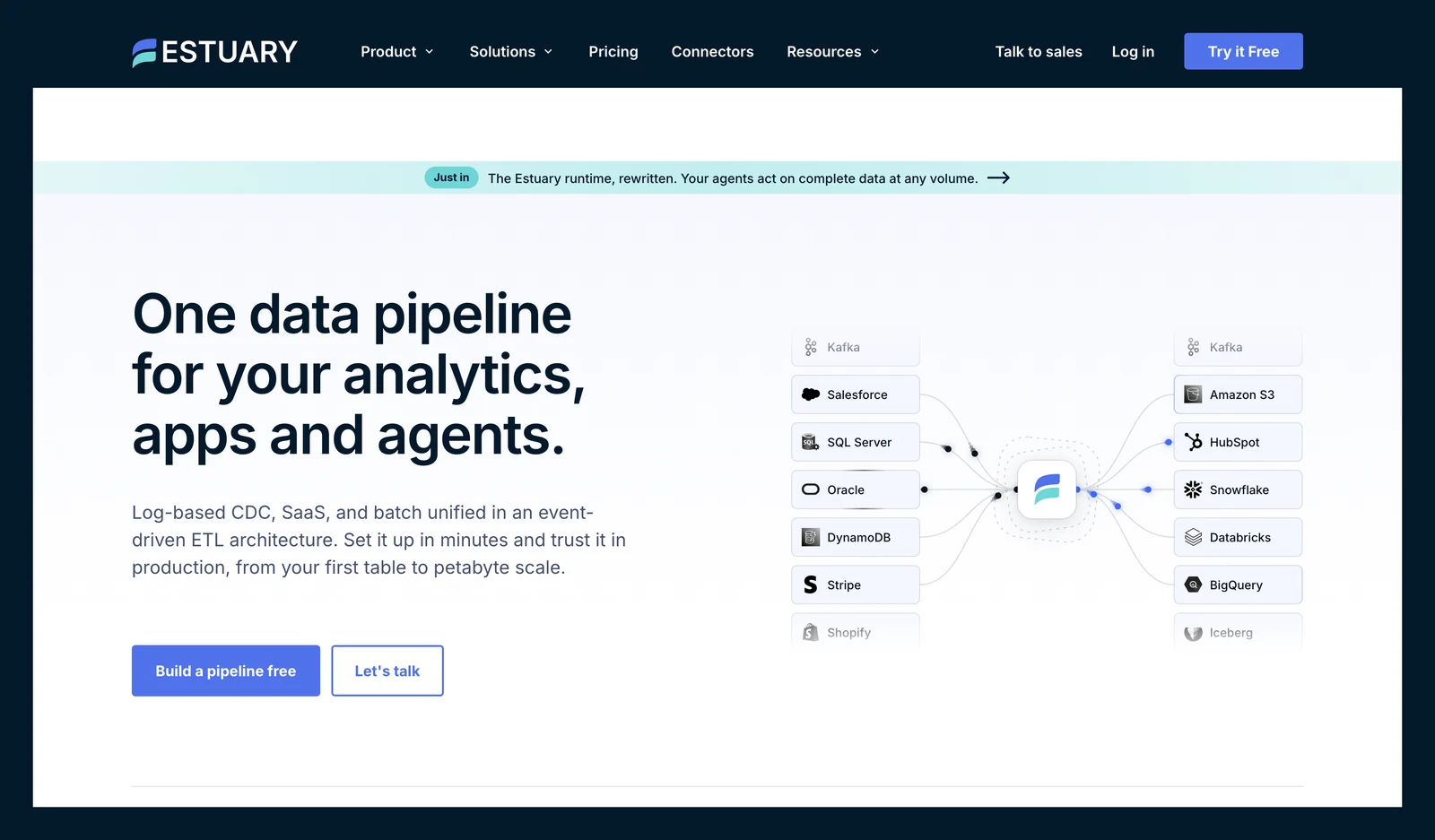
Estuary home page, October 2026.
What it writes: Estuary's Iceberg connector writes to catalogs that implement the Iceberg REST API (a standard web interface for catalogs). The docs walk through AWS Glue, Snowflake Open Catalog and Dremio Cloud. A second connector appends Parquet files to Iceberg tables on an interval.
What's good
- Its docs list log-based capture connectors for PostgreSQL, MySQL, MariaDB, SQL Server, Oracle and MongoDB.
- Its docs list optional Glue table optimizers for compaction, snapshot retention and orphan file deletion.
Where it falls short
- The REST connector needs an Amazon EMR Serverless application running Spark, an S3 staging bucket and IAM roles in your AWS account.
- The docs say only REST catalogs on Amazon S3 are supported, and label the connector Beta for catalogs other than Glue. Nested types aren't supported, so arrays and objects arrive as strings.
- The optimizers are off by default, and without them the docs say to run regular maintenance yourself.
- Estuary's pricing page lists $0.50 per GB moved plus connector fees, read October 2026, so the bill grows with your data volume. Ask for an estimate on your own change volume before you commit.
What users say: An August 2026 G2 review, mirrored on AWS Marketplace, says "Some limited observability - would be nice to see more detailed logs".
6. Fivetran Managed Data Lake Service: if Fivetran already moves your data
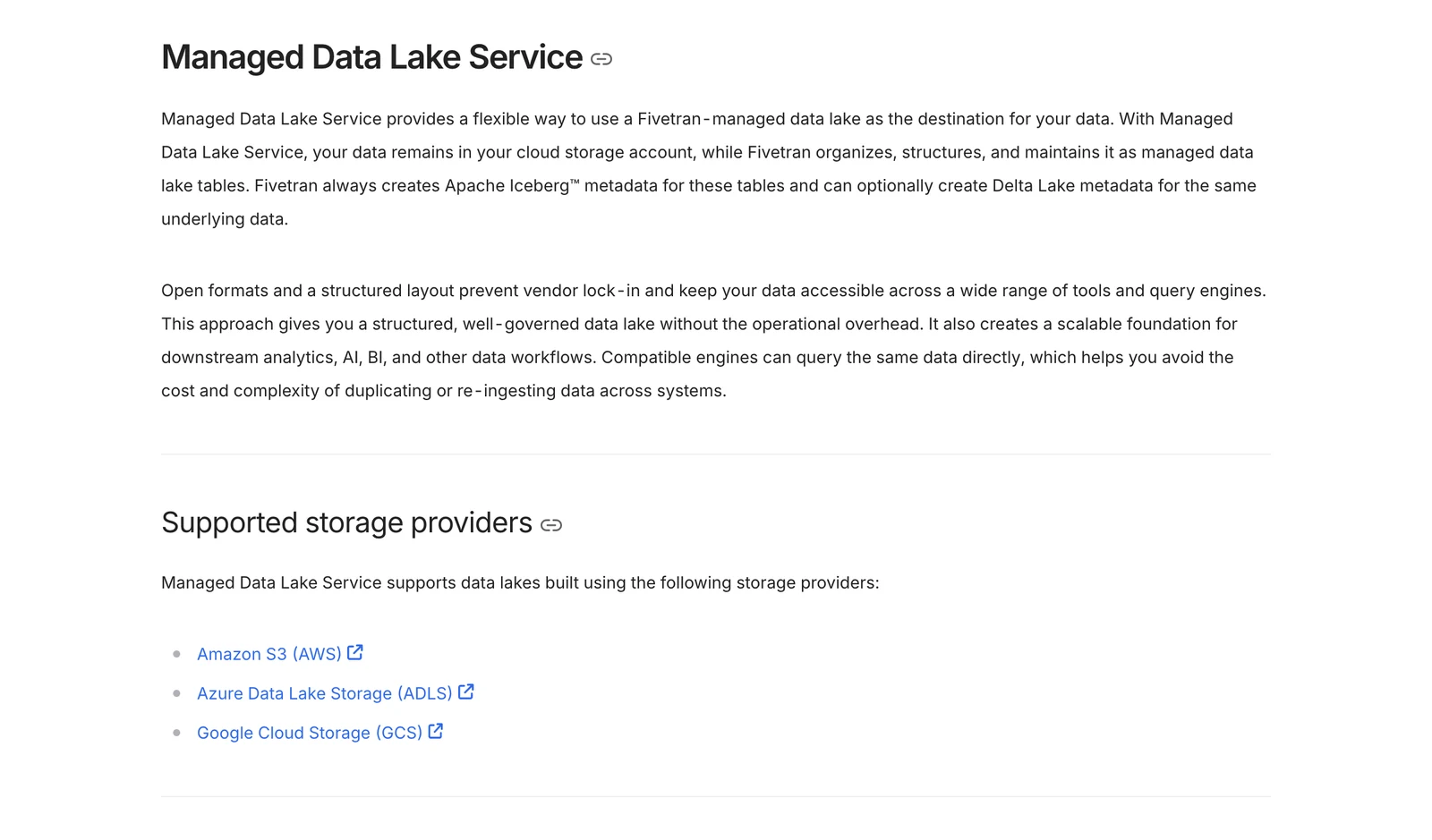
At a glance: Hosted by Fivetran, and the destination page lists the SaaS deployment model only. Fivetran's docs say it "always creates Apache Iceberg metadata" for these tables, and since July 2026 Delta Lake metadata is opt-in.
Fivetran documentation, October 2026.
What it writes: Iceberg tables on S3, Azure Data Lake Storage or Google Cloud Storage. The default catalog is the Fivetran Catalog, an Iceberg REST catalog built on Apache Polaris, with Glue and BigLake as options.
What's good
- Fivetran hosts the service, and the destination page asks you for no brokers, cluster or sink.
- Fivetran also sells connectors for databases and SaaS apps, so one vendor could cover both if your sources are on its list.
Where it falls short
- Fivetran bills by monthly active rows per connection, and its billing docs say deletes count as paid rows from January 1, 2026. Ask for an estimate on your own row counts before you commit.
- The docs say there's no support for Iceberg position deletes. Fivetran's catalog docs warn that editing Fivetran-managed tables from outside can corrupt them.
- Maintenance lists snapshot and unreferenced-file cleanup, but compaction isn't listed. A troubleshooting page says Glue compaction on these tables is reverted at the next sync.
- The destination page says Fivetran ingests data from "supported sources" and names no database connectors. Fivetran's PostgreSQL connector page documents capturing deletes through logical replication, but the MongoDB connector page doesn't mention this destination, so confirm your own source by name with Fivetran.
7. dlt: for Python teams who want pipelines as code
At a glance: dlt is an open-source Python library, and dltHub is the paid platform on top of it. The Iceberg docs say dlt writes Iceberg tables through its filesystem destination, using the PyIceberg library.
dltHub home page, October 2026.
What it writes: Parquet only, to whatever catalog PyIceberg can load, "including REST and SQL catalogs." Merge supports upsert and insert-only. You bring your own catalog, since the docs describe no managed one.
What's good
- Pipelines live in your code and your repo, so you can review them like any other code.
- Its Postgres source reads a replication slot with the built-in pgoutput plugin, as the pg_replication docs explain.
Where it falls short
- Log-based CDC in the open-source library is PostgreSQL only. The docs describe no log-based CDC for MySQL or Oracle, and SQL Server uses Change Tracking under the commercial dltHub licence.
- The docs list limits: no partition evolution (changing how an existing table is split into folders), Parquet only, and schema evolution isn't supported with upsert on PyIceberg 0.10.0.
- You write, schedule and watch the code.
- dltHub's pricing FAQ says paid subscriptions include a licence for CDC and Iceberg support. The open-source Iceberg docs show no licence notice, so check which features need one before you rely on them.
What users say: In a July 2026 post on moving one daily MySQL sync from Fivetran to dltHub, the author wrote that the pipeline "does not reproduce Fivetran's soft-delete behavior for physical source deletes."
Left out of the list, and why
Two tools did not meet the three rules in How we picked. The first is Amazon Data Firehose, which is not a current Kafka-free option.
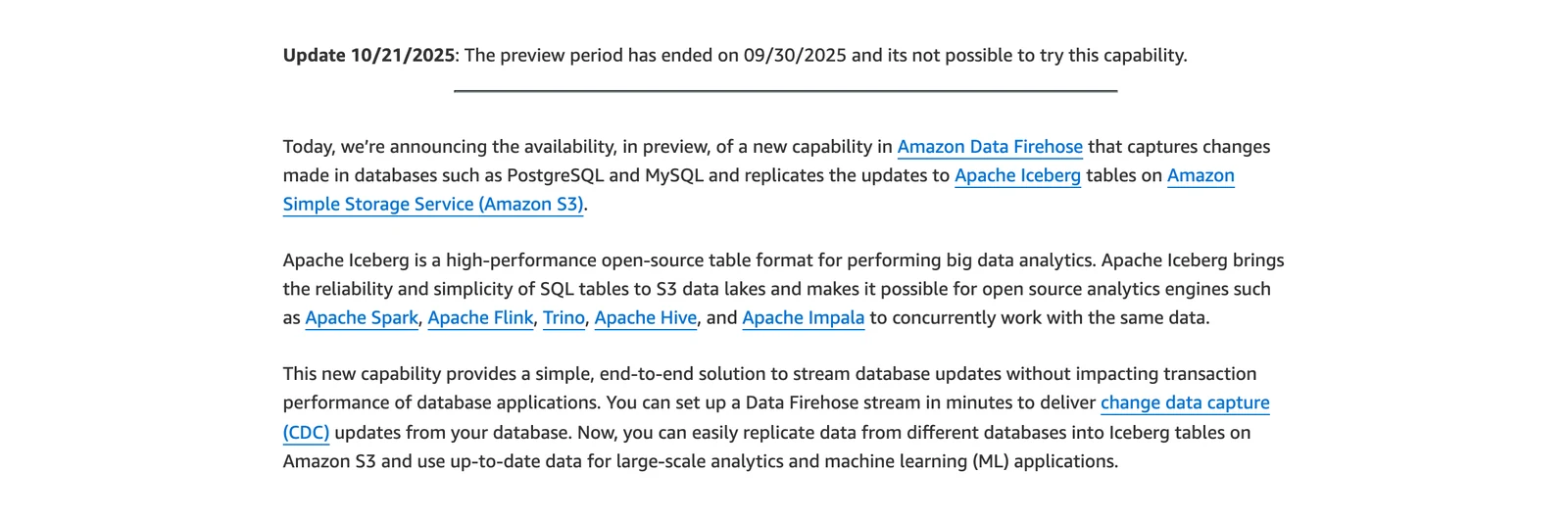
In November 2024 AWS announced that Firehose could read PostgreSQL and MySQL and replicate changes to Iceberg tables, as a preview. AWS then added an update to that announcement post: "The preview period has ended on 09/30/2025 and its not possible to try this capability." We found no AWS page that offers database-to-Iceberg replication today.
AWS News Blog, Amazon Data Firehose database replication post, October 2026.
Firehose still writes Iceberg from other sources. Its docs say it supports Iceberg version 2 only and writes Parquet, and for self-managed tables "you manage all the table optimizations such as compaction, and snapshot expiration."
The second is Supermetal. Its announcement of April 1, 2026 describes a single Rust program that reads the database log and writes Iceberg with no Kafka, Spark or Flink. We read only that post, not documentation on catalogs, deletes and upkeep, so it didn't get a full entry.
Postgres without Debezium or Spark
Of the options above, only Estuary's REST connector lists a Spark application as a prerequisite. Flink CDC's docs say some of its sources use Debezium inside, so ask each vendor if that matters to you.
All of them still read the same thing: Postgres's write-ahead log (WAL), through a replication slot, which is a bookmark that Postgres keeps for the reader. Several also need a publication, which is a list of tables whose changes Postgres will stream.
Estuary's docs warn that if a slot stops advancing, Postgres keeps WAL without limit by default. That risk follows you into every route.
| Option | What the docs say Postgres needs |
|---|---|
| Estuary (Postgres capture docs) | wal_level=logical, a user with the REPLICATION attribute, a slot and a publication, PostgreSQL 10 or later |
| RisingWave (Postgres CDC source docs) | wal_level = logical, PostgreSQL 10 through 18, one slot per source |
| dlt (pg_replication docs) | A replication slot with the pgoutput plugin |
| Flink CDC (Postgres pipeline source docs) | A required slot.name, with decoderbufs or pgoutput |
| OLake Go (Postgres connector page) | pgoutput plugin, PostgreSQL 10 or later, a replication slot and a publication in the same database, not shared between jobs |
Which one should you pick?
| Your situation | Option to check | What you run or watch |
|---|---|---|
| Kafka runs and others read the topics | Kafka Connect with the Iceberg sink | You run Kafka brokers, Connect workers and two connectors |
| No Kafka, need Oracle CDC | Debezium Server sink or Estuary | Community sink with no stated catalogs, or hosted with AWS setup |
| You join or reshape data in flight | Flink CDC or RisingWave | A Flink cluster, or a streaming system and some licensed features |
| You want it hosted | Fivetran, or Estuary if your lake is on S3 | No position deletes on Fivetran, and Estuary needs EMR Serverless |
| Python team, Postgres source | dlt | Log-based CDC for Postgres only |
| Postgres, MySQL, MongoDB or SQL Server only, with scheduled copies | OLake Go | One process from Docker, Helm or the UI, on a schedule you set |
Which route to Iceberg fits you?
Question 1 of 5
Is Kafka already running in your company?
Think about whether other teams or tools read the same change feed.
FAQs
Can I write Iceberg from a database without Kafka?
Does Debezium need Kafka?
Does Flink CDC to Iceberg work without Kafka?
Can Amazon Data Firehose replicate a database into Iceberg?
Do I need Spark to get Postgres changes into Iceberg?
Who compacts the Iceberg tables?
Which options document exactly-once delivery?
When should I keep Kafka?
Conclusion
Ask whether you need what Kafka provides, then test one update and one delete before you commit.
Last reviewed October 2026. If a vendor spots a statement here that's out of date, tell us and we'll correct it.