BSON vs JSON vs JSONB: Differences and Use Cases
11 min read
JSON vs BSON vs JSONB - A Detailed Comparison
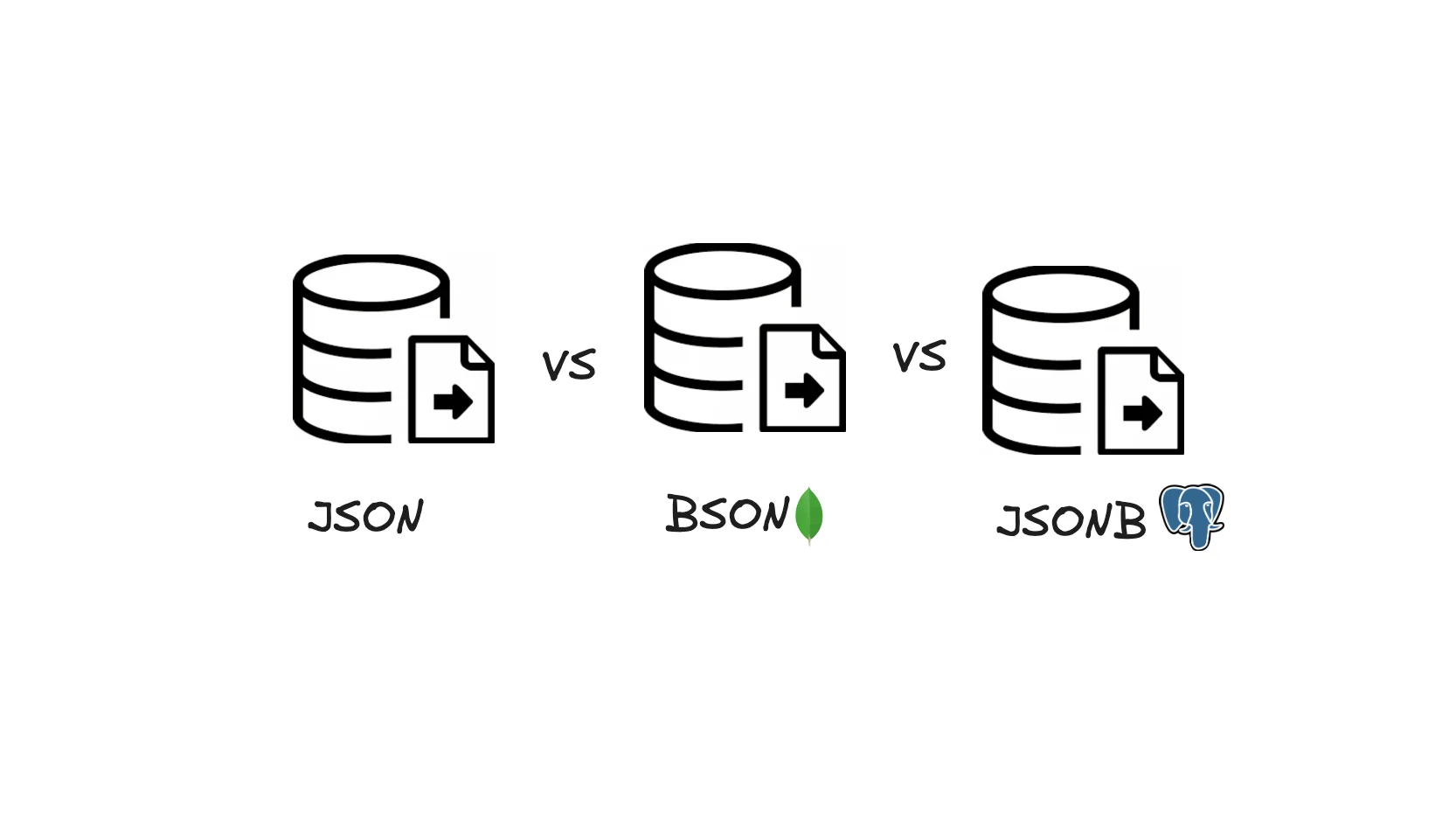
In the world of data formats and databases, JSON, BSON, and JSONB have emerged as prominent ways to store and query structured data. Each of these formats exists to serve specific needs, addressing different trade-offs in terms of efficiency, storage, and query speed. Let’s dive into the technical details of each format, why they exist, and how they compare.
1. What is JSON?
JSON (JavaScript Object Notation) is a lightweight, text-based data format designed for easy data interchange between systems. It was originally derived from JavaScript but has since become language-agnostic and widely adopted across platforms for APIs, configuration files, and more.
Why JSON Exists
JSON was created to provide a simple, human-readable way to represent structured data. Its widespread use is largely due to:
- Simplicity: Easy to read, write, and understand.
- Interoperability: Supported natively by most programming languages, making it a great choice for APIs.
- Portability: Since it is text-based, JSON can be easily passed between different platforms and systems over networks.
Technical Characteristics
- Data Type Support: JSON supports basic data types like strings, numbers, booleans, arrays, and objects. It does not natively support advanced data types like dates, binary data, or more complex structures.
- Human-Readable: JSON is easy to write and read due to its simple structure.
- UTF-8 Encoding: JSON is usually encoded as UTF-8, making it text-heavy and relatively larger in size.
Drawbacks of JSON
While JSON is perfect for many use cases, it has limitations:
- No Support for Data Indexing: This results in slower query speeds.
- Larger File Sizes: JSON is not compressed, which increases its storage footprint, especially with large datasets.
- Untyped Values: All values in JSON are strings when transmitted, meaning systems need to parse and interpret types during runtime.
2. What is BSON?
BSON (Binary JSON) is a binary-encoded serialization of JSON-like documents, originally created for MongoDB. BSON extends JSON's capabilities by adding support for more complex data types and structures.
Why BSON Exists
As MongoDB began to rise in popularity as a NoSQL document store, the need for a more efficient, flexible format than plain JSON became apparent. BSON was developed to:
- Handle Complex Data Types: BSON supports more than just strings and numbers. It can store native types like dates, binary data, and embedded arrays or objects efficiently.
- Optimize for Database Operations: BSON is designed to be lightweight but still allow for fast queries and indexing inside a database like MongoDB.
- Better for Large-Scale Data: BSON was created to offer faster data reads/writes and a more compact size when dealing with large documents.
Technical Characteristics
- Binary Format: BSON is a binary-encoded format, meaning it’s much more compact than JSON.
- Typed Values: Unlike JSON, BSON stores type information alongside the value, so the system knows whether a value is an integer, string, binary, or date without needing to infer it.
- Support for Additional Data Types: BSON natively supports more complex types like timestamps, embedded documents, and arrays.
- Metadata Overhead: One downside of BSON is that its type information introduces metadata overhead. For example, each field in BSON requires extra bytes to store the data type, which can make small documents larger than their JSON equivalents.
Strengths of BSON
- Fast Query Performance: BSON is optimized for databases, particularly MongoDB, enabling fast queries with indexed fields.
- Efficient Data Storage: While BSON can be slightly larger than JSON in some cases due to metadata, it handles complex nested documents and binary data more efficiently.
- Streaming Capabilities: BSON’s binary format makes it efficient for streaming large datasets.
Drawbacks of BSON
- Size Overhead: For very small documents, BSON can actually be larger than JSON due to the extra metadata.
- Less Human-Readable: BSON is not meant to be read by humans, making it harder to debug without tools.
3. What is JSONB?
JSONB (Binary JSON) is a format introduced by PostgreSQL to store JSON data in a binary format, combining the benefits of both JSON and BSON in a relational database context.
Why JSONB Exists
JSONB was created to provide a fast, efficient way to store and query JSON-like documents within PostgreSQL. Regular JSON in relational databases comes with several downsides, such as slower queries and no support for indexing. JSONB was introduced to address these problems by offering:
- Faster Querying: JSONB is optimized for quick lookups and queries by storing data in a binary format.
- Index Support: JSONB supports indexing, making it significantly faster to query and perform operations on structured data.
- Compact Storage: While JSONB uses more space than plain JSON due to its binary format, it still reduces overhead by compressing the data.
Technical Characteristics
- Binary Format: Like BSON, JSONB is stored in a binary format, which improves storage efficiency and query performance.
- Supports Indexing: JSONB supports indexes on JSON fields, making it far more efficient for database queries than JSON.
- Efficient Space Usage: JSONB compresses data and stores it in a way that avoids the redundancies common in plain JSON documents.
Strengths of JSONB
- Faster Queries: JSONB allows PostgreSQL to perform indexed queries, making it much faster than querying JSON documents.
- Efficient for Storage: Though not as lightweight as plain JSON, JSONB provides a balanced trade-off by optimizing for both space and speed.
- Supports Complex Queries: JSONB enables PostgreSQL to query nested fields and structures, making it ideal for semi-structured data.
- Immutability: Unlike JSON, JSONB stores data in a way that allows for partial updates, improving write performance.
Drawbacks of JSONB
- Slightly Larger than JSON: While JSONB is compact, the binary format introduces slight overhead compared to text-based JSON.
- More Expensive Writes: Writing data to JSONB involves converting JSON into a binary format, which adds a small performance cost on writes (though reads are much faster).
4. Key Differences Between JSON, BSON, and JSONB
| Feature | JSON | BSON | JSONB |
|---|---|---|---|
| Format | Text-based | Binary | Binary |
| Data Types | Strings, numbers, arrays, objects | Supports more types (e.g., dates, binary) | Supports additional types (similar to BSON) |
| Human Readability | High | Low | Low |
| Compression | None | Some compression through binary encoding | Compression for efficient storage |
| Query Speed | Slow | Fast (MongoDB optimized) | Fast (PostgreSQL optimized) |
| Storage Efficiency | Less efficient (larger size) | More efficient for complex types | Compact, optimized for storage |
| Indexing | No | Yes (MongoDB) | Yes (PostgreSQL) |
| Use Case | APIs, simple data exchange | MongoDB storage for complex documents | Storing and querying JSON in PostgreSQL |
5. When to Use JSON, BSON, or JSONB
Use JSON if:
- You need a simple, human-readable format for data interchange between systems, especially across APIs.
- Your data will be small or doesn't require complex querying and indexing.
- Portability is key, as JSON is widely supported across different platforms and languages.
Use BSON if:
- You’re working with MongoDB or another NoSQL database that needs to store complex, nested documents efficiently.
- You need to store data types like binary data, timestamps, or embedded arrays.
- You prioritize query speed and want optimized performance for large-scale NoSQL operations.
Use JSONB if:
- You’re using PostgreSQL and need to store and query semi-structured JSON data.
- Your application demands fast lookups and efficient queries on JSON fields, especially with indexing.
- You want the flexibility of JSON, but with better performance and storage efficiency in a relational database.
6. Conclusion
The evolution from JSON to BSON and JSONB illustrates the ongoing efforts to balance human readability, data storage efficiency, and query performance. Each format exists for different use cases:
- JSON remains the go-to format for simple data interchange.
- BSON is ideal for high-performance NoSQL databases like MongoDB.
- JSONB provides relational databases like PostgreSQL with the ability to efficiently store and query semi-structured data.
Choosing between these formats depends on your specific needs: the nature of your data, the size of your dataset, the performance requirements, and the underlying database. Understanding the differences between JSON, BSON, and JSONB helps ensure that you're using the right tool for the job, maximizing performance while minimizing storage overhead.
FAQs
Q1. What is the difference between JSON, BSON, and JSONB?
- JSON: A human-readable, text-based format for data interchange, widely used in APIs and configuration files
- BSON (Binary JSON): MongoDB's binary-encoded superset of JSON that supports additional data types like dates, binary data, int32, and int64. BSON is not universally more compact than JSON: it includes length prefixes and explicit type metadata per field, which can make it slightly larger than equivalent JSON. However, this structure makes BSON significantly faster to parse than text-based JSON.
- JSONB: PostgreSQL's binary-stored JSON type that decomposes and pre-parses JSON into a fast-indexable internal format during insert, enabling efficient querying and indexing unlike plain JSON which is stored as raw text.
Q2. Why does MongoDB use BSON instead of plain JSON?
MongoDB uses BSON because it supports data types that JSON does not natively:
- Native
Datetype (UTC datetime) - Binary data (
BinData) - Distinct integer types (
int32,int64,Decimal128) ObjectIdand other MongoDB-specific types
BSON also stores length information alongside each field, which allows MongoDB to skip directly to the fields it needs without parsing the entire document. Type information is stored inline with each value, so MongoDB knows the exact type at read time without runtime inference.
Q3. When should you use JSONB over JSON in PostgreSQL?
Use JSONB when you need to query, index, or filter on JSON data in PostgreSQL. Key points:
- Pre-parsed binary storage: JSONB decomposes and parses JSON at insert time, making all queries faster than plain JSON even before adding any indexes
- GIN index support: GIN indexes on JSONB accelerate containment queries using the
@>operator and key-existence queries using?,?|, and?&. Note that GIN indexes activate only for these specific operator-based queries; plain equality or expression queries on JSONB fields may still need expression B-tree indexes - Plain JSON stores the text as-is and requires full parsing on every query, with no index acceleration available
JSONB has slightly higher write overhead since every record is fully parsed during insert, but delivers significantly better read and query performance for analytics on JSON fields.
Q4. What are the performance differences between JSON, BSON, and JSONB for analytical queries?
- JSONB: Fastest for analytical queries in PostgreSQL. Pre-parsed binary storage speeds up all queries, and GIN indexes further accelerate containment (
@>) and key-existence (?) queries - BSON: Enables fast reads in MongoDB because length information and type metadata are stored inline per field, allowing MongoDB's query engine to skip directly to needed fields without parsing the entire document
- Plain JSON: Slowest for queries. The entire text must be parsed and types inferred on every read operation, with no index support available
Q5. Which format should I choose for storing data in an operational database?
- Use BSON if you are storing documents in MongoDB. It is automatic and optimized for MongoDB's workloads. When you insert JSON via a MongoDB driver, the database converts it to BSON behind the scenes with no extra work required
- Use JSONB if you are in PostgreSQL and need to query, filter, or index JSON fields frequently
- Use plain JSON only for storing data that you will retrieve and display as-is, without complex server-side querying
- For large-scale analytics, convert any of these formats to Parquet-based columnar storage (e.g. Apache Iceberg) for maximum query performance. Row-oriented formats like JSON, BSON, and JSONB are not optimized for the scan-heavy workloads typical of analytical queries