OLake UI API
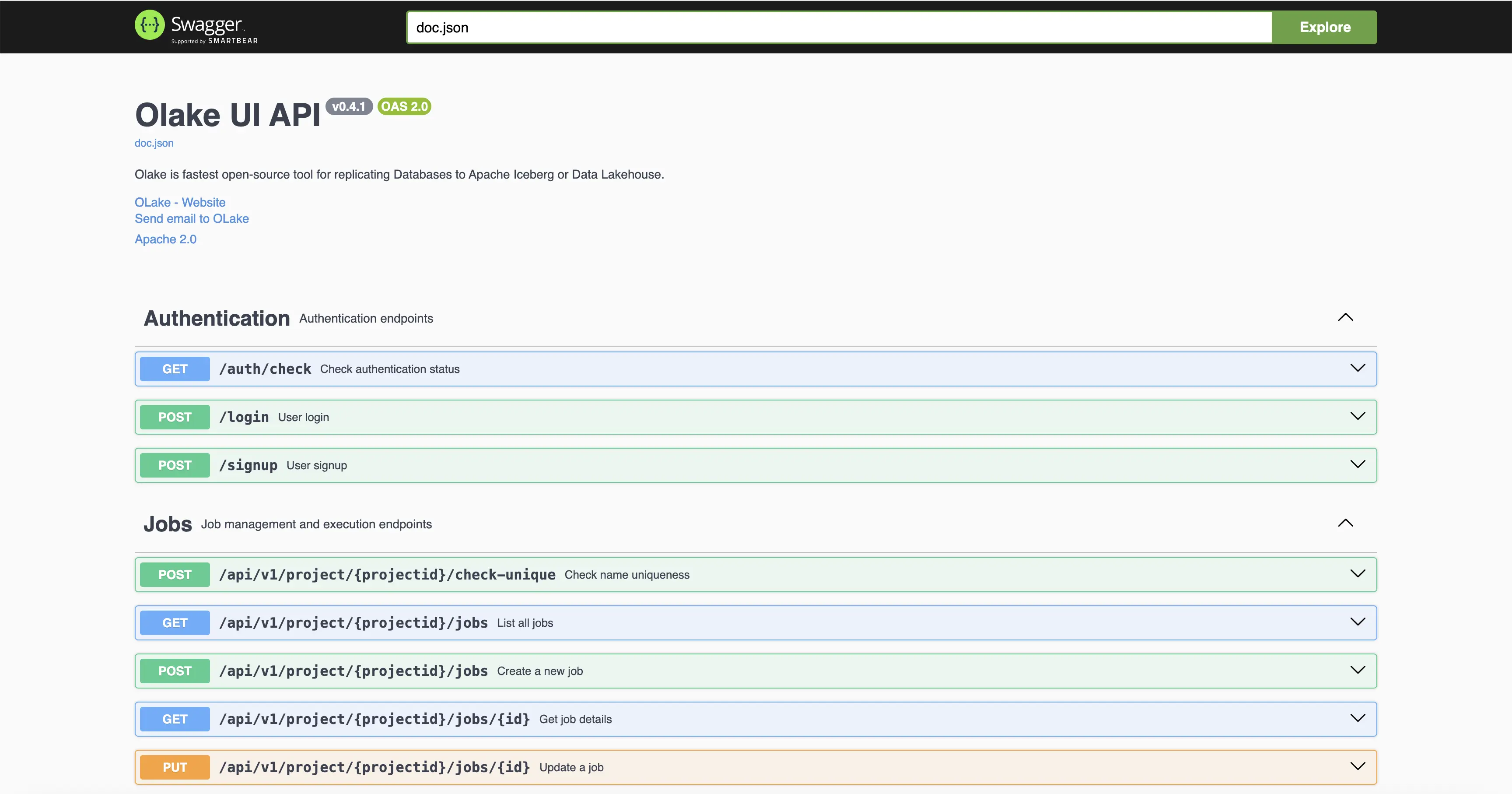
This page contains the official Swagger documentation for the OLake UI API, including endpoint reference details, authentication instructions, and guidance for testing requests.
Accessing the OLake UI API
- OLake UI API: http://localhost:8000/swagger
Authentication
This API uses Session-based Authentication (Cookies).
To access protected endpoints:
- Login: Send a POST request to
/loginwith your credentials. - Cookie: A session cookie will be set in your browser automatically upon successful login.
- Requests: Subsequent requests will automatically include this cookie.
There is no need to manually handle tokens or headers.
Using cURL with Cookies
When using cURL, you must explicitly save and send cookies between requests:
Step 1: Login and save the cookie
bash
curl -L 'http://localhost:8000/login' \
  -H 'Content-Type: application/json' \
  -c cookies.txt \
  -d '{"username": "admin", "password": "password"}'
Step 2: Use the saved cookie for subsequent requests
bash
curl -L 'http://localhost:8000/api/v1/project/123/jobs' \
  -H 'Accept: */*' \
  -b cookies.txt
The -c cookies.txt flag saves the session cookie, and -b cookies.txt sends it with subsequent requests.
Response Format
The API uses standard HTTP response codes to indicate success or failure:
- 200 OK: Request was successful.
- 400 Bad Request: The request was invalid.
- 401 Unauthorized: Authentication failed or session expired.
- 500 Internal Server Error: Something went wrong on the server side.