How to get started with OLake Fusion
This QuickStart guide helps get started with OLake UI, a web-based interface designed to simplify the Iceberg table maintenance that is view table health scores, track compaction history, monitor table metrics, and configure compaction settings across your tables.
Prerequisites
The following requirements must be met before starting:
- Docker installed (Docker Desktop recommended)
- Docker Compose (included with Docker Desktop)
- At least 4GB RAM available for Docker
- Port 8000 available on the system
Quick Start (Docker Compose)
One-Command Setup
The fastest way to get OLake UI running is with a single command:
bash
curl -sSL https://raw.githubusercontent.com/datazip-inc/olake-ui/master/docker-compose-v1.yml | ENABLE_OPTIMIZATION="true" docker compose --profile fusion -f - up -d
This setup uses Postgres for both metadata and Temporal visibility.
This command will:
- Download the latest docker-compose.yml file
- Pull all required Docker images
- Start all services in the background
- Create a default admin user automatically
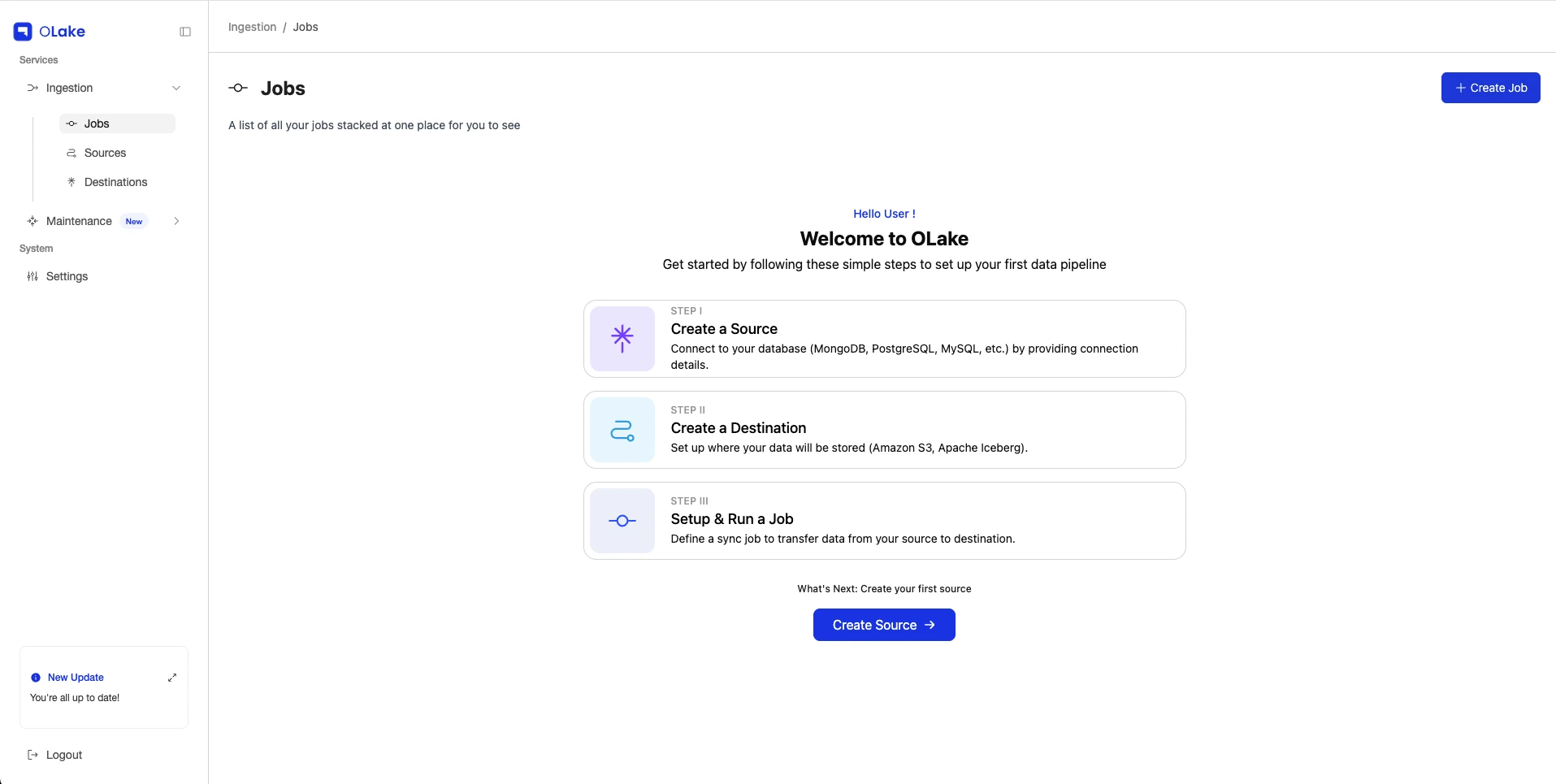
Access the Application
- OLake UI: http://localhost:8000
Login
The default credentials are:
- Username:
admin - Password:
password

Updating OLake UI
To update OLake UI to the latest version, use the following commands based on your setup:
bash
curl -sSL https://raw.githubusercontent.com/datazip-inc/olake-ui/master/docker-compose-v1.yml \
| ENABLE_OPTIMIZATION="true" docker compose --profile fusion -f - down && \
curl -sSL https://raw.githubusercontent.com/datazip-inc/olake-ui/master/docker-compose-v1.yml \
| ENABLE_OPTIMIZATION="true" docker compose --profile fusion -f - up -d