Last updated:|... min read

 Twitter
 LinkedIn
 Facebook
 Email
Email
How to get started with OLake
This QuickStart guide helps get started with OLake UI, a web-based interface designed to simplify the management of OLake jobs, sources, destinations, and configurations.
Prerequisites
The following requirements must be met before starting:
- Docker installed (Docker Desktop recommended)
- Docker Compose (included with Docker Desktop)
- At least 4GB RAM available for Docker
- Port 8000 available on the system
Quick Start (Docker Compose)
One-Command Setup
The fastest way to get OLake UI running is with a single command:
- New (after 30th Jan, 2026)
- Legacy (with ES)
curl -sSL https://raw.githubusercontent.com/datazip-inc/olake-ui/master/docker-compose-v1.yml | docker compose -f - up -d
This setup uses Postgres for both metadata and Temporal visibility.
curl -sSL https://raw.githubusercontent.com/datazip-inc/olake-ui/master/docker-compose.yml | docker compose -f - up -d
This setup uses Elasticsearch for Temporal visibility.
This command will:
- Download the latest docker-compose.yml file
- Pull all required Docker images
- Start all services in the background
- Create a default admin user automatically
Access the Application
- OLake UI: http://localhost:8000
Login
The default credentials are:
- Username:
admin - Password:
password

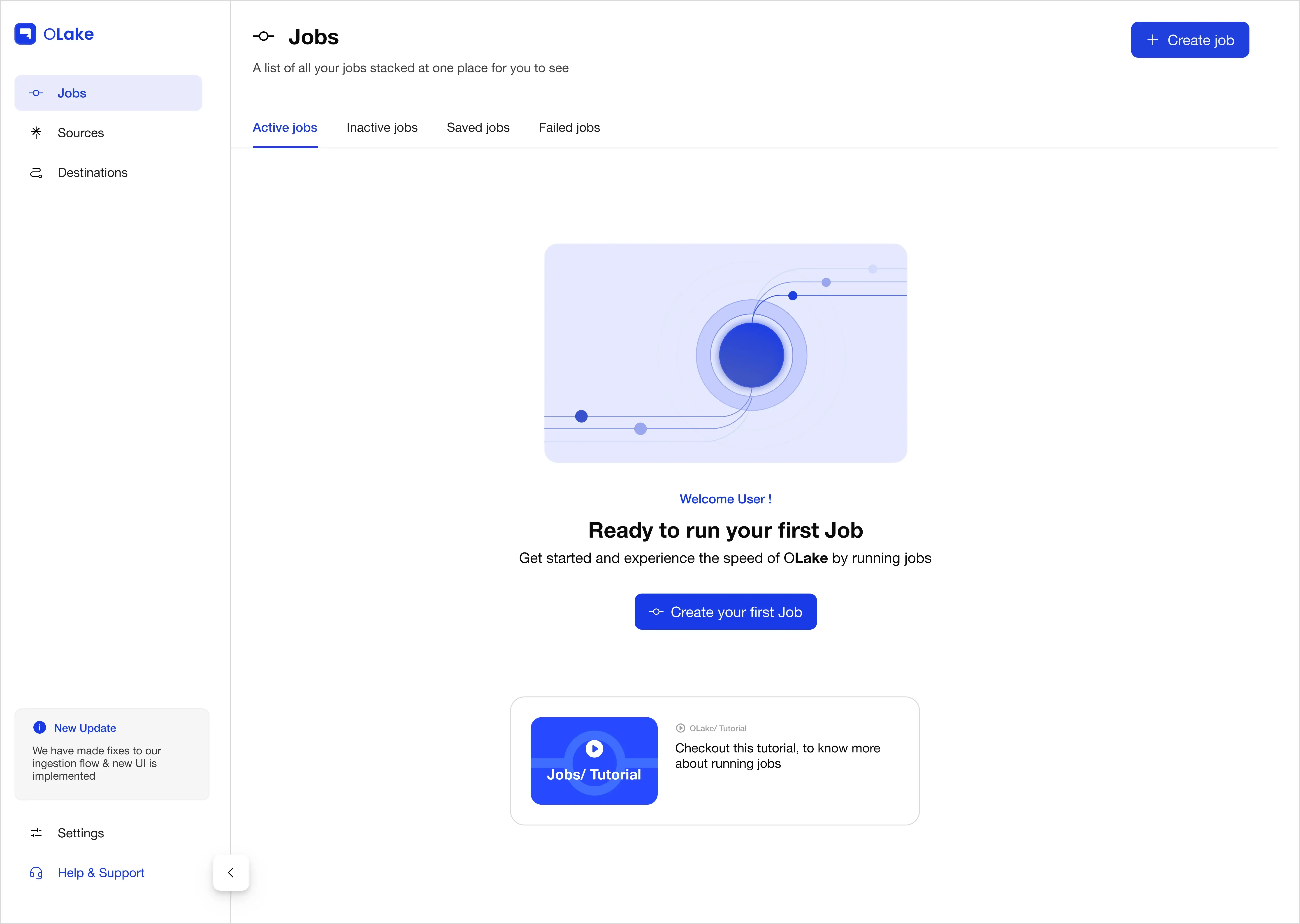
Updating OLake UI
To update OLake UI to the latest version, use the following commands based on your setup:
- New (after 30th Jan, 2026)
- Legacy (with ES)
curl -sSL https://raw.githubusercontent.com/datazip-inc/olake-ui/master/docker-compose-v1.yml | docker compose -f - down && \
curl -sSL https://raw.githubusercontent.com/datazip-inc/olake-ui/master/docker-compose-v1.yml | docker compose -f - up -d
curl -sSL https://raw.githubusercontent.com/datazip-inc/olake-ui/master/docker-compose.yml | docker compose -f - down && \
curl -sSL https://raw.githubusercontent.com/datazip-inc/olake-ui/master/docker-compose.yml | docker compose -f - up -d